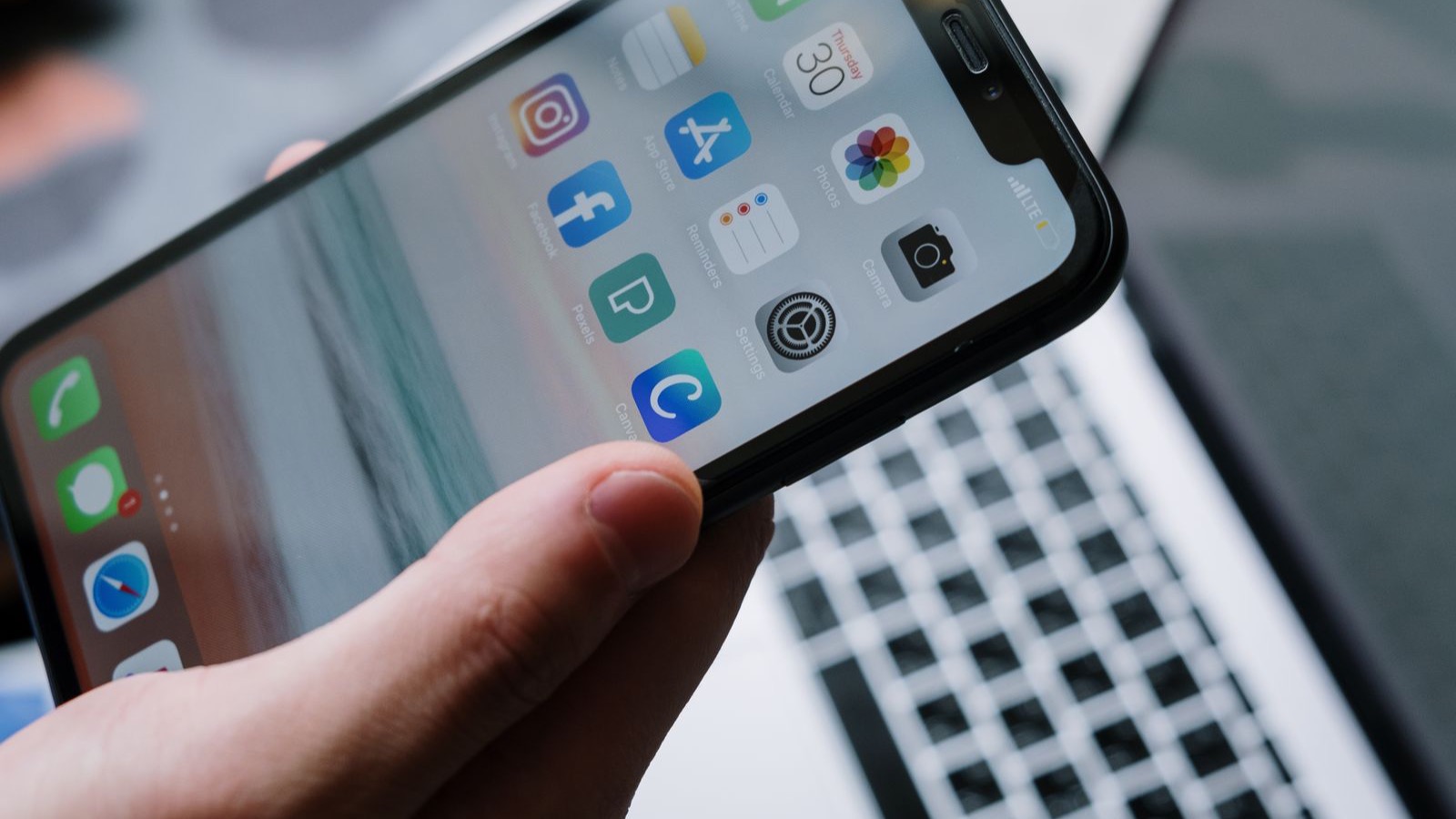
Phone screens have rounded corners. A recording with sharp square corners looks like a raw capture, and sharp corners inside a frame can poke out. Rounding them is a small step with a clear effect.
The short answer
Apply a corner radius to the recording so its corners match the screen it is meant to sit in, then check the edges against the background and frame. A little rounding goes a long way.
Why it matters
- The recording looks like a real device screen.
- Corners do not poke out of a phone frame.
- The video feels softer and more finished.
How much to round
| Situation | Suggested rounding |
|---|---|
| Inside a phone frame | Match the frame's screen corners, usually a moderate radius |
| Without a frame | A gentle radius that suggests a device |
| A card-style look on a background | A smaller radius for a modern, flat look |
There is no single right number. Look at the result at a small size, and match the frame's curve if you use one.
Check the edges
- No sliver of the recording shows outside the frame.
- No gap appears between the recording and the frame.
- The corners look even on all four sides.
Combine with shadow and padding
A rounded recording on a background looks best with a little padding and a soft shadow. See how to add a drop shadow to a screen recording and how to add padding around a screen recording.
Steps
- Import the recording.
- Set a corner radius.
- Add padding and a background.
- Check the corners against the frame, if you use one.
- Export.
Common mistakes
- Rounding so much that the recording looks like a pill
- Rounding the recording but not the frame, so they do not match
- Forgetting that the status bar sits in the corner and can be clipped
Where MobileStudio fits
MobileStudio lets you set a corner radius on the recording, along with padding, shadow, backgrounds and phone mockups. It is on Google Play, and an iPhone version is on the way.
Quick FAQ
Will rounding crop my recording?
It hides the very corners. Keep important content away from them.
Do I need it inside a phone frame?
Frames usually have their own rounded screen, but the recording should match it.
Is rounding the same as a mask?
It is a simple kind of mask that rounds the corners.