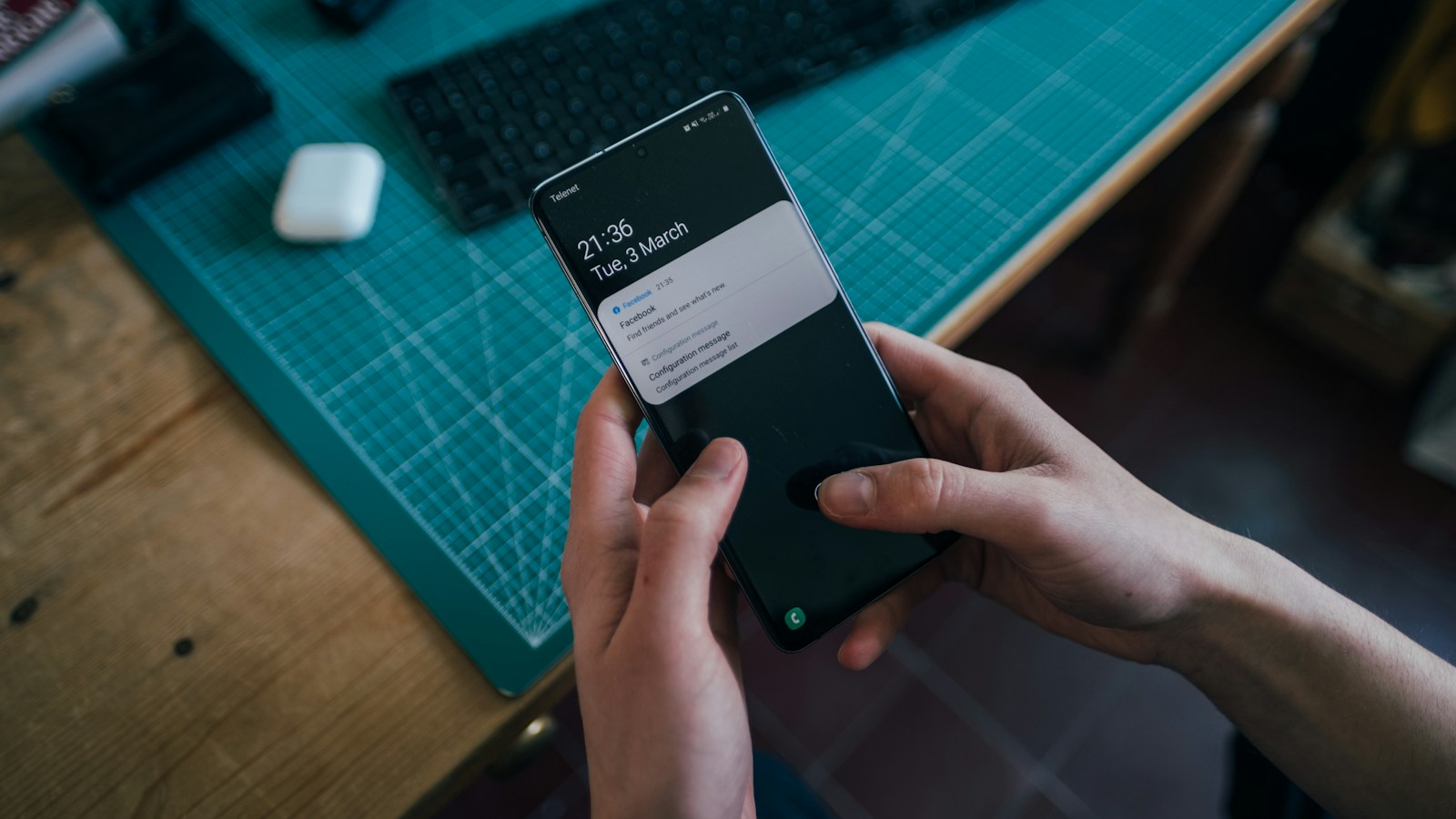
A bug that is hard to describe is often easy to show. A short screen recording saves back-and-forth, because the developer can see exactly what you did.
Before you record
- Make sure you can repeat the problem. Try it once without recording.
- Close unrelated apps.
- Write down the steps in a few lines.
Record the whole path
Start recording before you open the app screen where the problem starts. A bug report video should show:
- Where you started
- Each tap or action, at a normal speed
- The moment the bug happens
- A second or two afterward, so the result is clear
If a message or error appears, leave it on screen long enough to read.
Keep it short
Trim extra time before and after. Long videos are less likely to be watched to the end.
Add the details in text
A video is not enough by itself. Include:
- The app version
- The phone model and Android version
- What you expected to happen
- What happened instead
- How often it happens
Protect private data
Check the video for names, emails and notifications before you send it. See how to blur private info in a screen recording.
Sending it
Keep the file size reasonable. If it is large, share it by link instead of attaching it to an email.
Where MobileStudio fits
MobileStudio can record your Android screen and trim the clip, which is useful for a short bug report. It is on Google Play, and an iPhone version is on the way.
Quick FAQ
Should I show the touches on screen?
It can help the developer follow your steps, if your phone offers a setting for it.
Do I need audio?
Usually not. Written steps are clearer.
What if the bug is rare?
Record every attempt, and keep the one that shows it.