Most of the time you spend recording is not time a viewer wants to watch. Waiting for a screen to load, typing a long address and thinking all become dead time. Removing it is the fastest way to improve a demo.
The short answer
Watch the recording once and mark every moment where nothing meaningful happens. Cut those moments, speed up the ones you must show, and leave only the action.
Where dead time hides
| Dead time | What to do |
|---|---|
| Loading spinners | Cut, or cut to the loaded screen |
| Typing a long entry | Cut, or speed up, or show the finished entry |
| Keyboard sliding up and down | Cut |
| The start, before the first action | Trim |
| The end, after the result | Trim |
| Pauses while you think | Cut |
Cut or speed up?
- Cut when the viewer does not need to see the in-between.
- Speed up when the viewer needs to see that something happens, such as a progress bar or a scroll.
- Keep when the pause helps a point land. A beat of silence after a result is fine.
A routine
- Play the whole recording at normal speed.
- Note timestamps where nothing happens.
- Trim the start and end first.
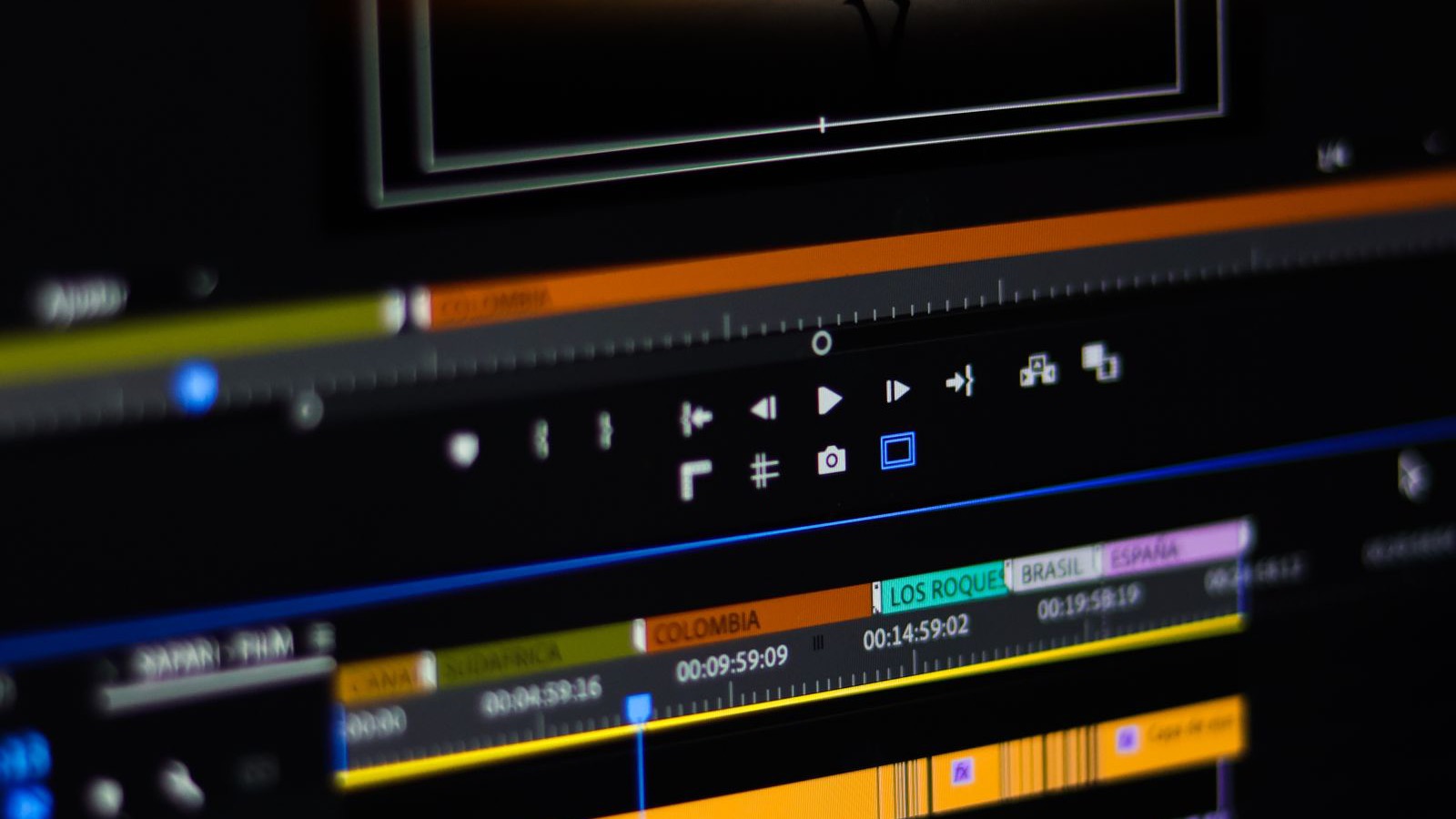
- Split out and remove the middle dead sections.
- Speed up routine steps by a little.
- Watch again, and look for jumps that feel too abrupt.
Avoid jarring cuts
When you cut between two screens, make sure the cut lands on a change, like a tap or a screen transition, so it does not look like a glitch. A small zoom can also hide a cut. See how to trim a screen recording.
Length target
Cutting dead time is how a first take becomes a 30-second demo. See how long an app demo video should be and the script template.
Where MobileStudio fits
MobileStudio lets you trim and split a recording on the timeline, so you can cut loading and typing and keep only the action. It is on Google Play, and an iPhone version is on the way.
Quick FAQ
How much can I cut?
Often half or more of a first recording is dead time.
Should I speed things up instead?
Only when the viewer needs to see the process. Otherwise cut.
Will cutting make it look jumpy?
Cut on an action or a screen change, and it will look natural.