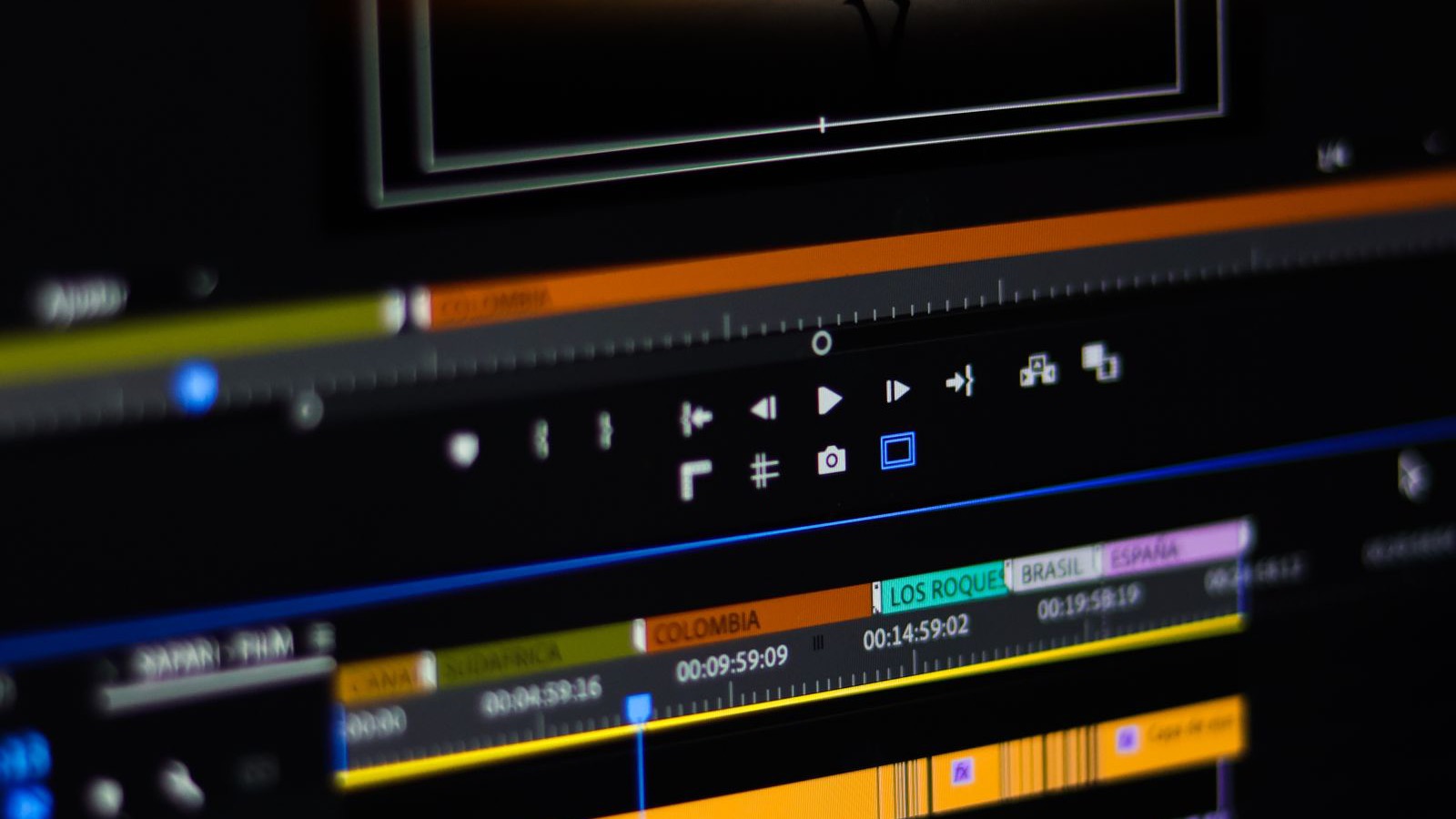
There is no single right length. A store preview, a landing page loop and a launch post each want something different. Here is what the stores allow and a rule that works elsewhere.
The short answer
As short as it can be while still showing one complete task. For most app demos that is 15 to 30 seconds. Longer is fine for a tutorial, but a promo should not be.
Length by place
| Where | Length | Source or basis |
|---|---|---|
| Apple App Store preview | 15 to 30 seconds, up to three per device size and language | Apple's app preview specifications |
| Google Play preview video | Only the first 30 seconds autoplay, muted | Google's preview assets page |
| Website or landing page loop | Short and looping; about 10 to 30 seconds is a good range | Suggestion, not a rule |
| Social post | Short enough to finish on a first view; about 15 to 30 seconds | Suggestion, not a rule |
| Launch or walkthrough video | Longer is fine if every part earns its place | Suggestion, not a rule |
Rows marked "suggestion" are advice from experience, not store requirements. The first two rows are the platforms' own rules.
A rule that works: one task
Ask what single thing a viewer should be able to do or understand when the video ends. Show only that. A demo that tries to show five features is usually too long and teaches nothing.
- One task: 15 to 30 seconds.
- Two or three related steps: 30 to 60 seconds.
- A full walkthrough: make it a tutorial, not a promo, and give it chapters.
Make every second count
- Open on the result. See what to put in the first 3 seconds.
- Cut waiting, typing and loading.
- Speed up only the parts that must be shown but are slow.
- End as soon as the payoff has landed. Do not pad to a limit.
The script template shows a 30-second structure you can scale up or down.
Store previews specifically
Apple's preview is 15 to 30 seconds. Do not pad it to 30. Google autoplays only the first 30 seconds, muted, so the point has to land early and make sense without sound. For the file rules, see App Store preview video requirements, and you can check a file against them with the free App Store preview tool. For Google, see Google Play promo video.
Trimming to length
If your first cut runs long:
- Remove the slowest scene first.
- Cut the intro and outro to the minimum.
- Trim dead time at the start and end of every take.
- Speed up routine steps, such as scrolling, by a little.
- Re-watch with fresh eyes the next day.
For the trimming steps, see how to trim a screen recording.
Where MobileStudio fits
MobileStudio lets you trim and split a recording, add zooms and export for different shapes, so you can cut one demo down to different lengths for different places. It is on Google Play.
Quick FAQ
Can an app preview be longer than 30 seconds?
On the Apple App Store, previews are 15 to 30 seconds. On Google Play, only the first 30 seconds autoplay.
Is shorter always better?
Not always. A tutorial can be longer. A promo or preview should stop when the point is made.
Should I make several lengths?
Yes, if you post in several places. Cut a short version for the stores and social, and keep a longer one for your website.