A good voiceover explains why, while the screen shows what. A bad one reads aloud what the viewer can already see. Here is how to do it well.
The short answer
Write a short script first, record in a quiet room with the phone close to your mouth, and add it over a finished, trimmed video. Keep every sentence short, and make sure the video still works without it.
Should you add one?
A voiceover helps when you need to explain reasons, context or benefits that the screen cannot show. It is optional for a quick promo, which should work silently. See how to make an app demo that works without sound.
Write the script first
- Use the right column of the script template.
- One short sentence per beat.
- Say what the viewer gets, not what you tap.
- Read it aloud, and cut what feels long.
Record it cleanly
| Do | Avoid |
|---|---|
| A quiet room with soft furnishings | Echoey, empty rooms |
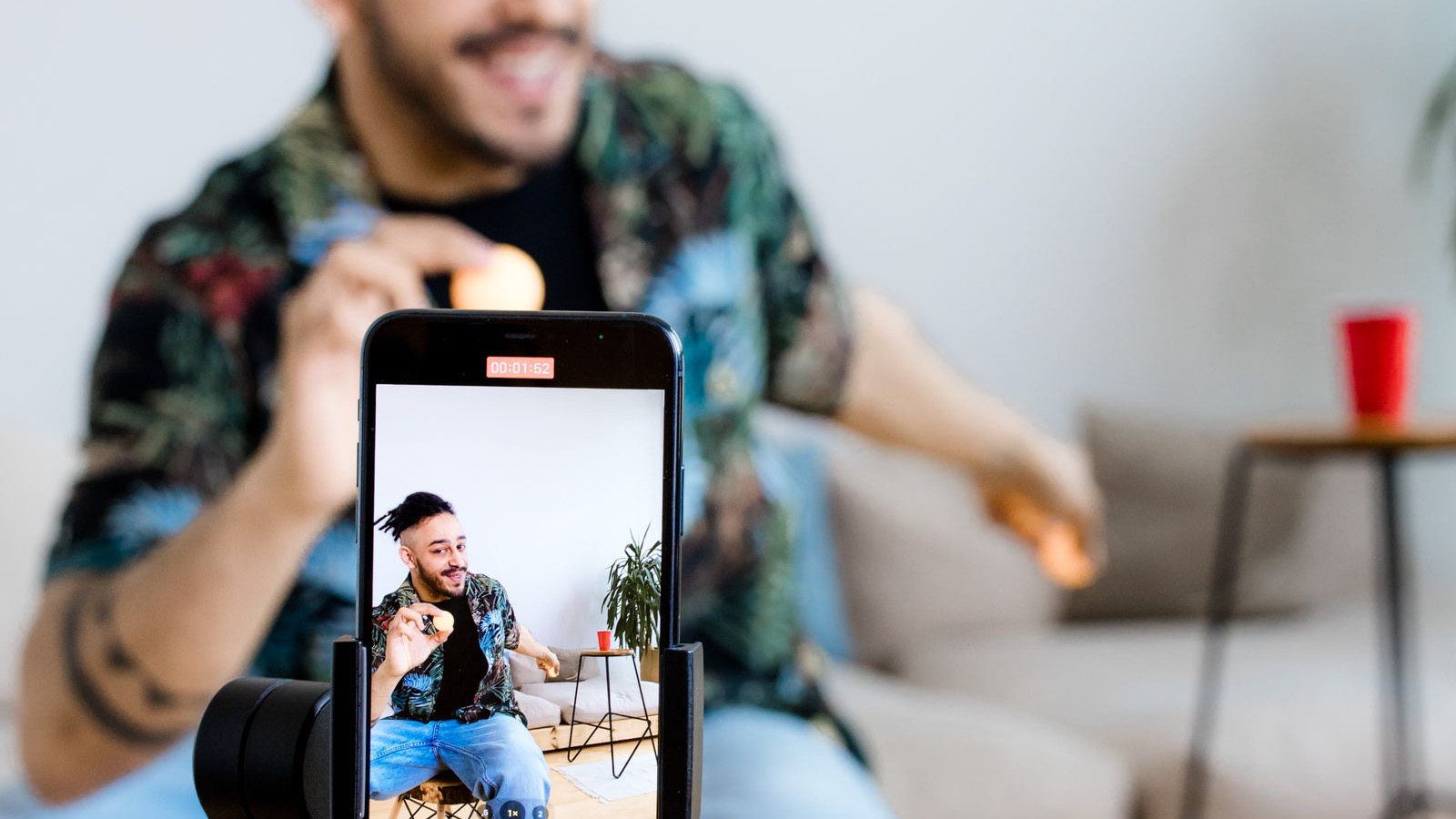
| The phone a hand's width from your mouth | Speaking from across the room |
| A steady pace | Rushing |
| A test recording first | Recording everything cold |
| Recording each sentence separately | One long take with no breaks |
Sync it to the screen
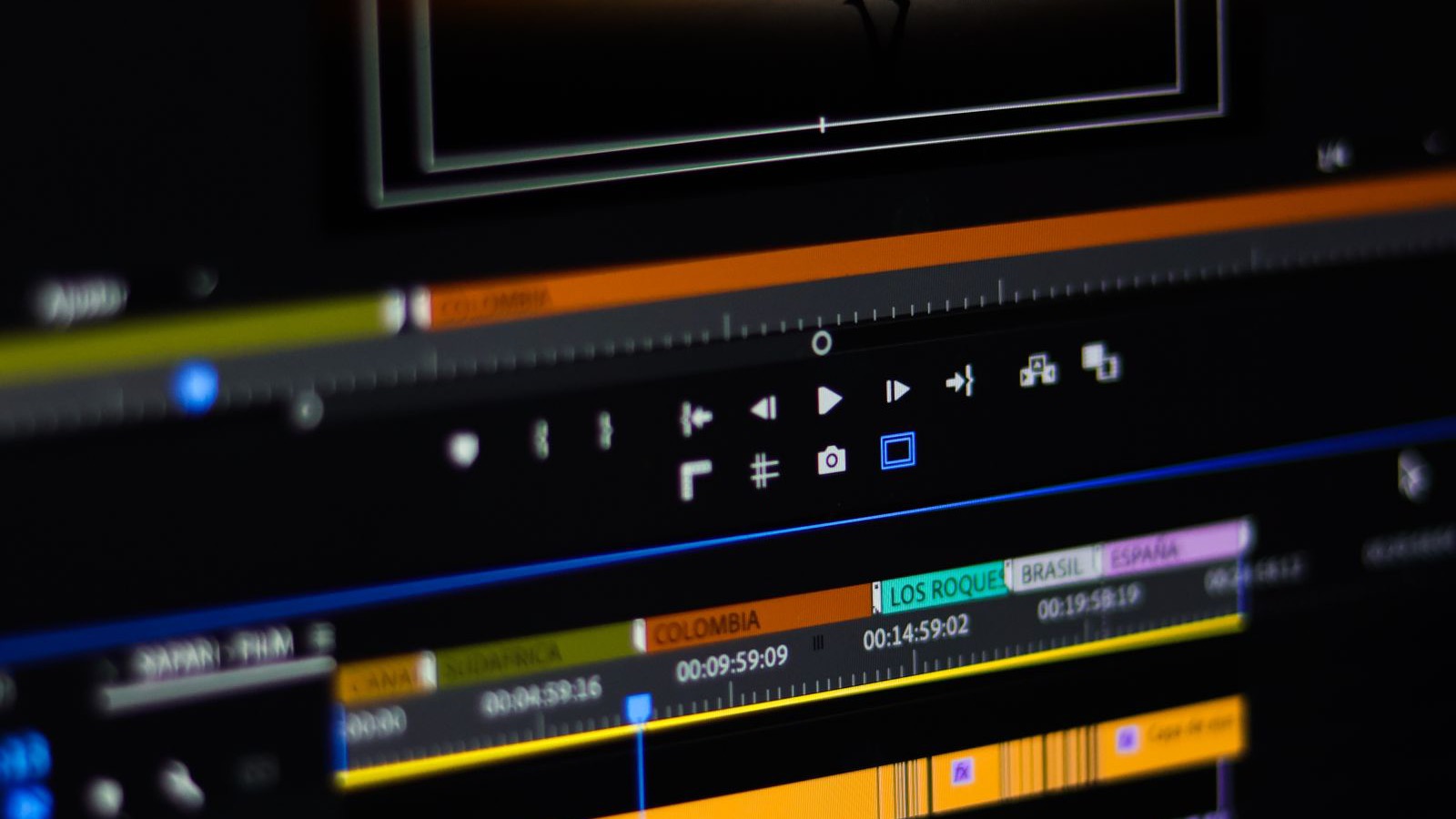
- Finish the video edit first, with the timing locked.
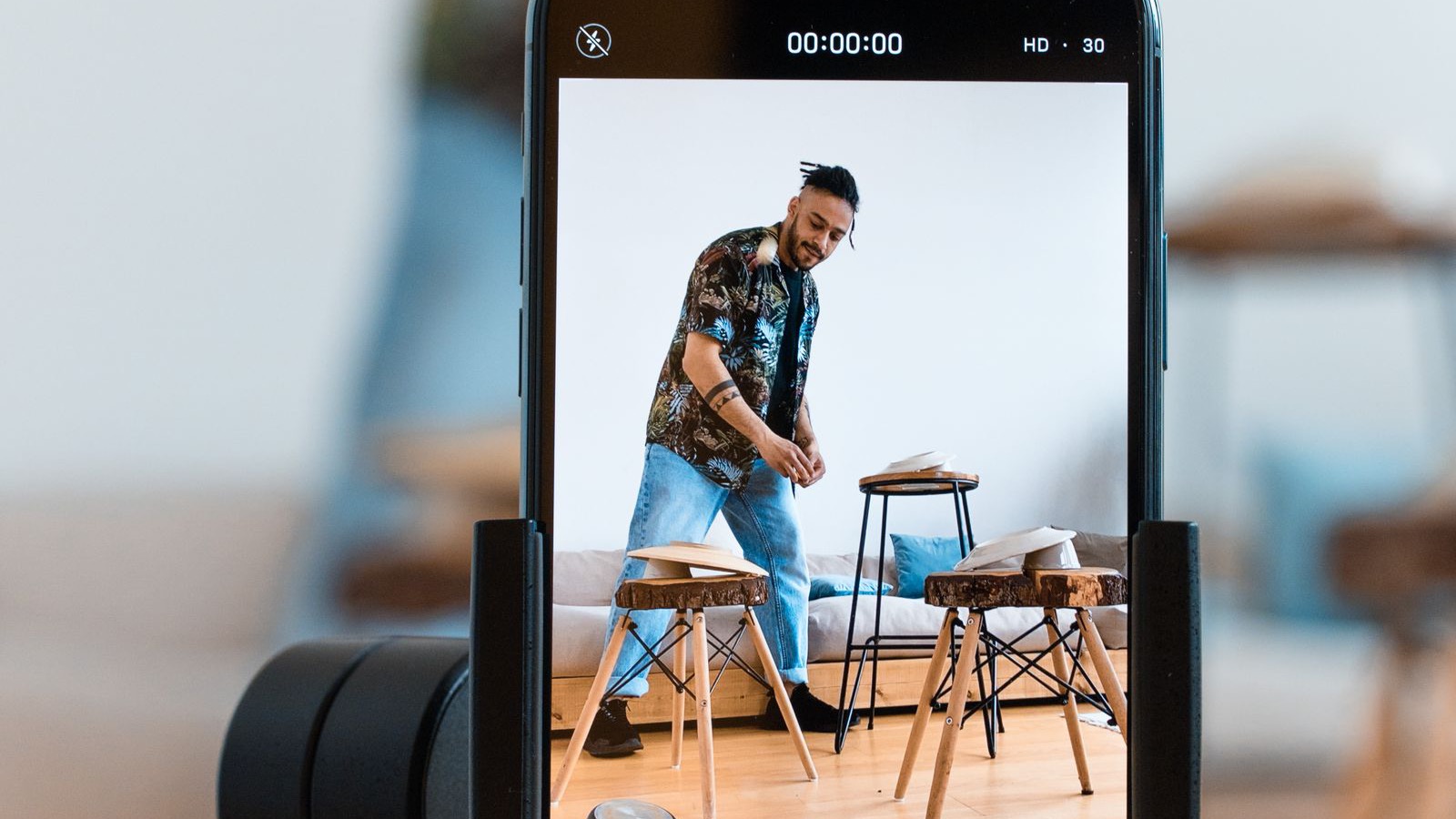
- Record the voiceover against the playing video.
- Place each line to land just after its action starts.
- Trim breaths and long pauses.
Add captions as well
Many people watch with the sound off, so add captions for anything you say. See video captions and how to add text to a video.
Mix with music
Keep music well below the voice, or skip it. See how to choose background music for an app demo video.
Where MobileStudio fits
MobileStudio supports audio on a recording, so you can trim and frame your video first and keep sound in the same project. It is on Google Play, and an iPhone version is on the way.
Quick FAQ
Do I need a microphone?
A phone microphone in a quiet room is enough to start with.
Should I record voice or write captions?
Write captions first. Add voice if it adds reasons the screen cannot.
How long should the voiceover be?
As short as the video. Match each sentence to a beat.