Music sets the mood of a demo, but it is easy to get wrong. Too loud and it hides the voice. The wrong style and it fights the product.
Decide if you need music
Many people watch with the sound off, so the video must work without it. See how to make a silent app demo video. If you add music, treat it as a bonus for people who have sound on.
Match the mood to the app
- A calm tool for focus: soft, steady tracks
- A fun game or social app: more energy
- A finance or health app: calm and clear, not flashy
Keep it in the background
- Lower the music so it sits well under any voice.
- Avoid tracks with lyrics when someone is speaking.
- Choose a steady track without sudden loud parts, since those pull attention from the screen.
Match the cuts
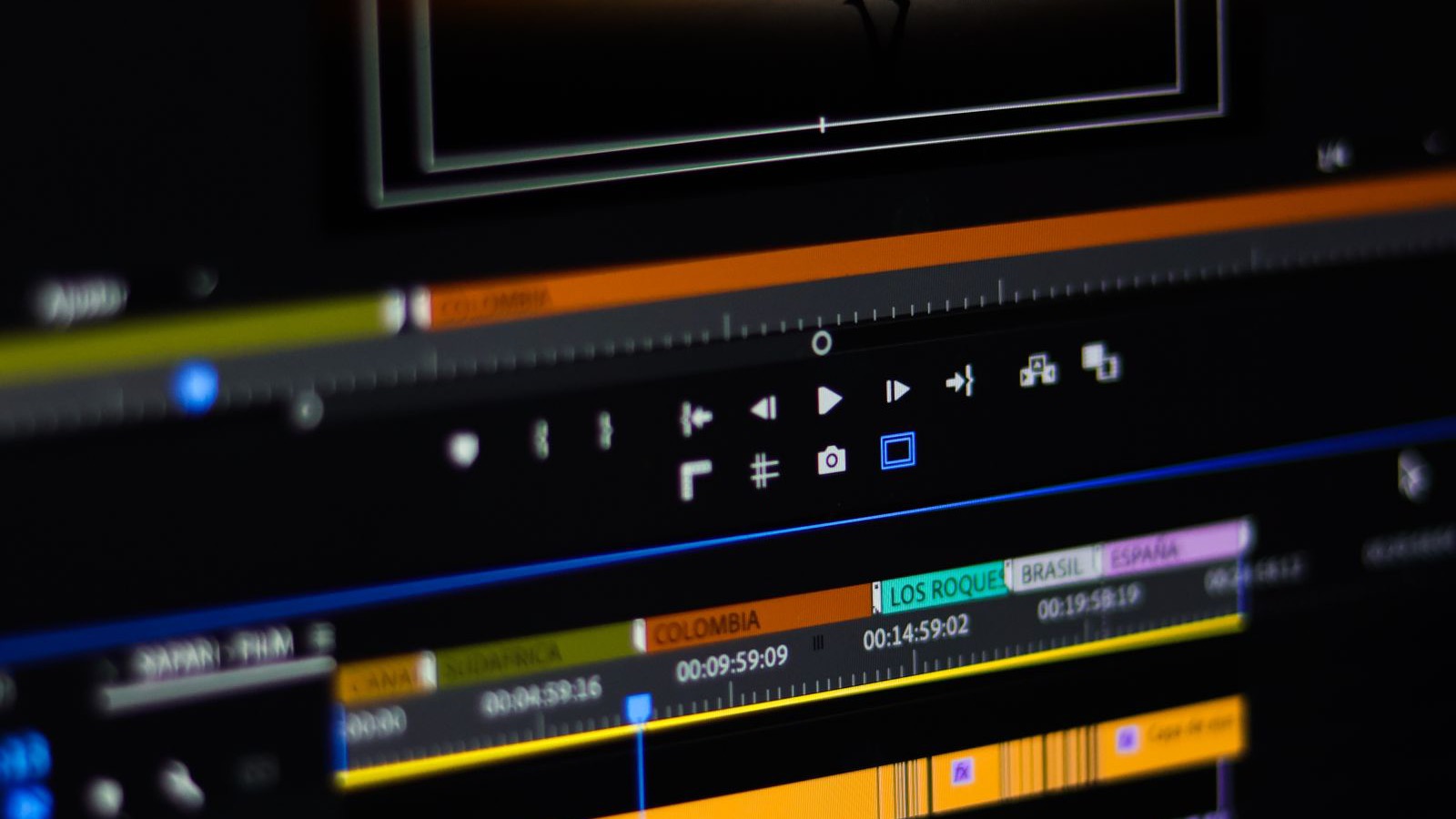
If you can, let the main moments land on the beat or a change in the track. You do not need to cut every clip to the rhythm. Small timing choices are enough.
Get the rights
Do not use a song just because it is on your phone or on a video app. You need the right to use it in a public video.
- Use music that comes with a licence you have read, such as one from a library that allows use in marketing videos.
- Check whether the licence covers ads, social posts and your website.
- Keep a record of where each track came from.
A platform may remove or mute a video that uses music without the right licence.
Check the mix
Play the video on a phone speaker and in earphones. If you cannot hear the voice clearly on either, lower the music.
See also how to add a voiceover to an app demo.
Where MobileStudio fits
MobileStudio lets you put a recording together with text and audio, so you can set a background track under your demo. It is on Google Play, and an iPhone version is on the way.
Quick FAQ
Can I use any song from the radio?
No. You need a licence or the owner's permission.
Should the music be the same length as the video?
It can be longer. Fade it out at the end.
Is silence okay?
Yes. A clean demo with captions works well.