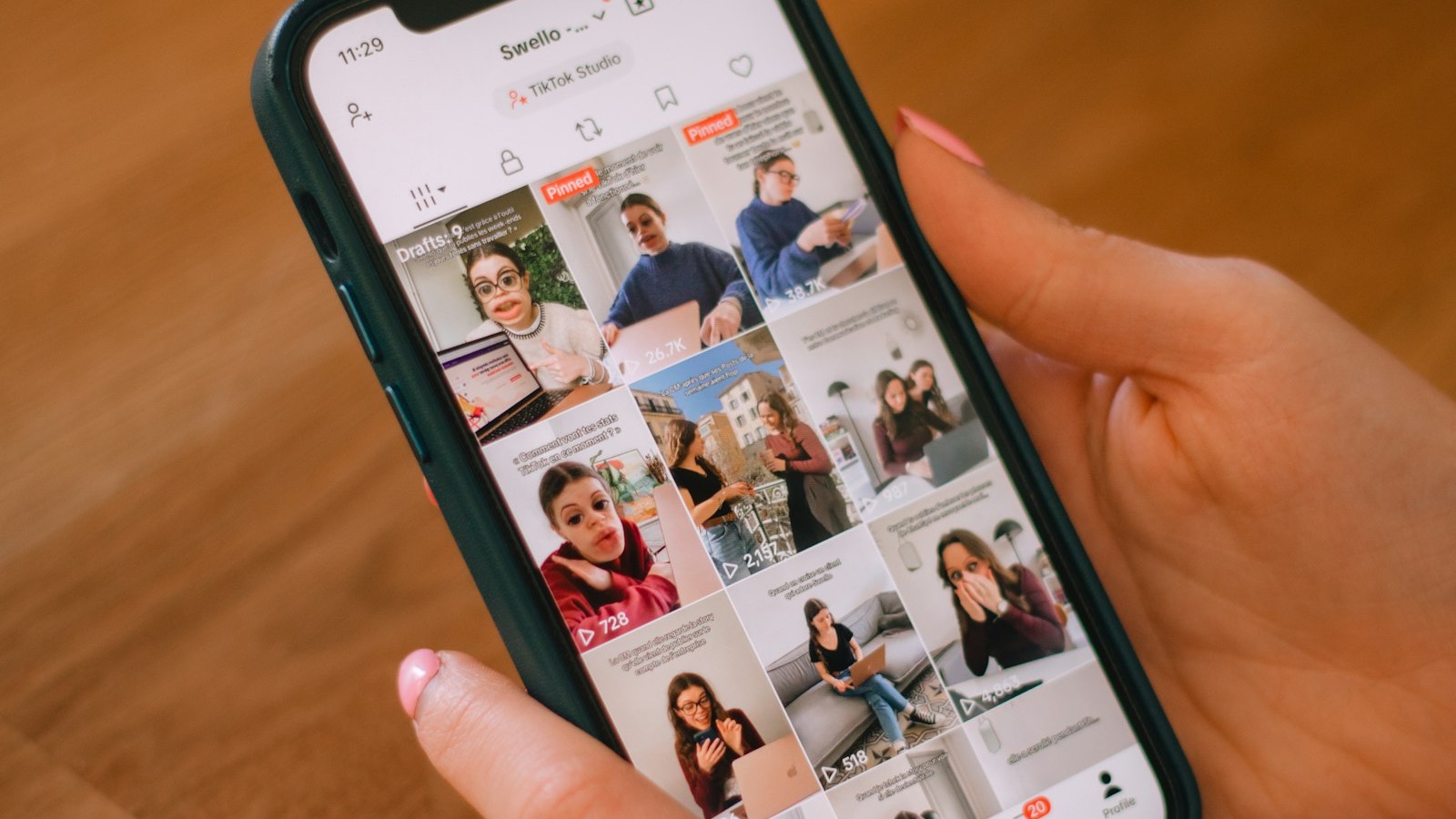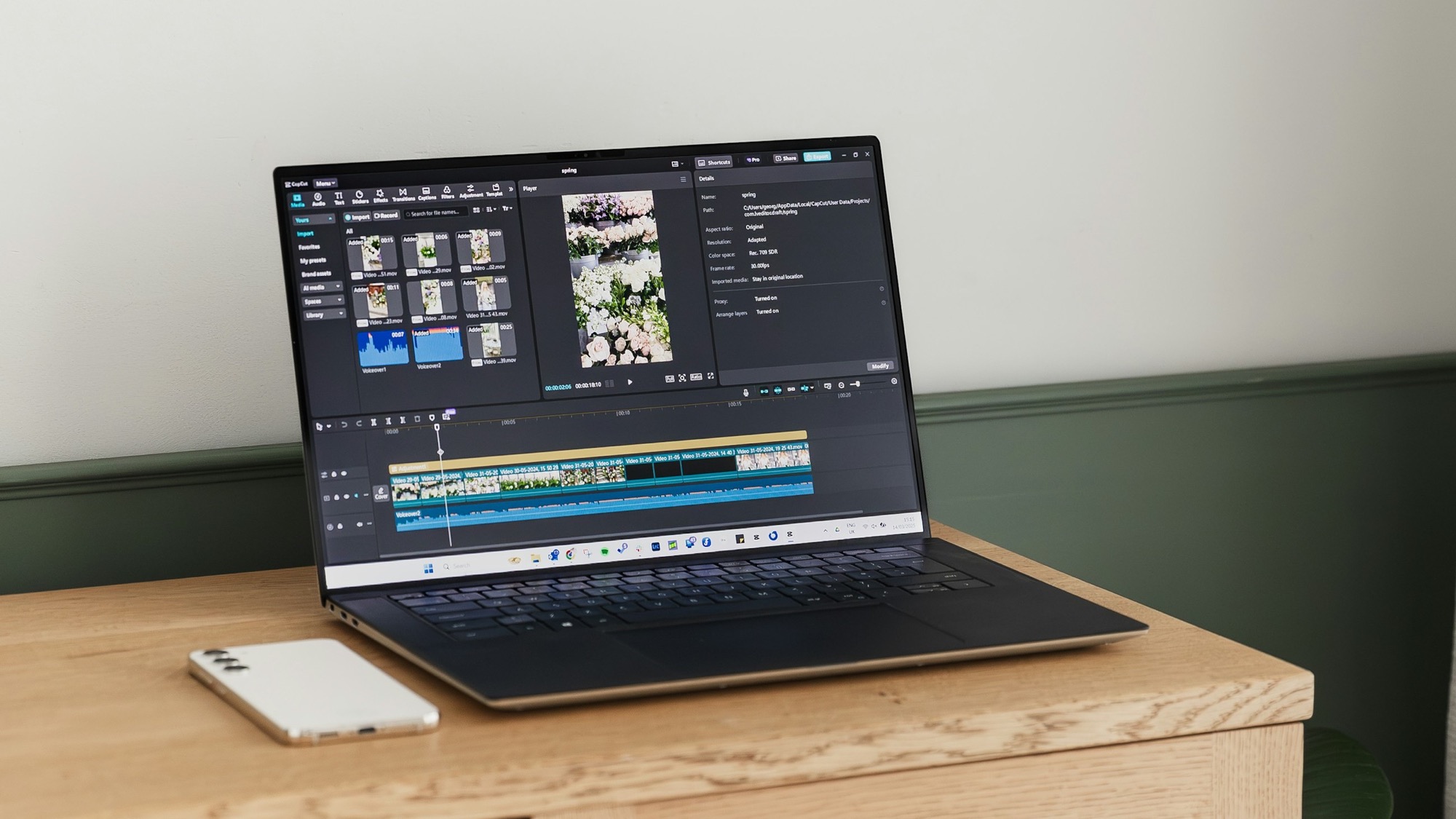
Loom, Camtasia and ScreenFlow are good at recording a computer screen. A phone app demo is a different job: the footage comes from the phone, and the finished video usually needs a phone frame, a clean background and a zoom on the key tap. Here is what each tool does, and what fits an app demo better.
The short answer
If you are demoing a phone app, the usual path is to screen record on the phone, then edit that recording in a tool built for it. Loom, Camtasia and ScreenFlow can all play a part, but none of them is designed around a phone recording. The facts below come from each company's own site, read on November 21, 2026.
What each tool is
| Tool | Platforms | What the site says about price |
|---|---|---|
| Loom | Mac, Windows, iOS and Android | Starter is free: 25 videos, 5-minute recordings, up to 720p. Business is listed at $18 per user per month, with 4K and branding removal |
| Camtasia | macOS 14 or newer, and Windows 10 and 11 | Plans are priced per year, billed yearly. The page does not mention a phone app |
| ScreenFlow | Mac only | $199 on its store page. The free trial is fully functional but exports are watermarked |
Prices change, so confirm on each page before you decide.
Why they are a loose fit for a phone demo
- They record computers. Loom and the others are built around capturing a desktop, a window or a webcam. A phone app demo starts as a screen recording file from the phone.
- Phone framing is manual. Putting the recording in a device frame, with a background, is extra work in a general editor.
- Mac or Windows only for editing. Camtasia and ScreenFlow are desktop editors, so you move the file to a computer first. ScreenFlow needs a Mac.
None of that makes them bad. If you already own one, it can trim and caption a phone recording. They just do not do the phone-specific parts for you.
Alternatives built for app demos
- MobileStudio. Edit on the phone: import a screen recording, trim and split it, add phone mockups and backgrounds, use the Zoom Timeline, and export landscape, square or portrait. It is on Google Play; an iPhone version is on the way.
- Rotato. A Mac app for 3D device mockups. Its site lists a one-time payment and an unlimited free trial. See Rotato alternatives.
- Previewed. A browser tool for device mockups, with a free plan. Its plans page lists a free Lite plan and paid plans.
- CapCut and VN. General phone video editors you can try for a quick edit. See CapCut alternatives for app demos.
For a longer comparison, read best app demo video makers.
How to choose
- Where does your recording start? On a phone: choose a tool that edits phone recordings well.
- Where will you edit? If you want to do it all on the phone, pick a phone-first editor. If you edit on a Mac, desktop apps come into play.
- What does the video need? Just a trim and captions can be done anywhere. A framed, zoomed, branded demo is faster in a purpose-built tool.
- What will you pay? Watch for subscriptions, watermarks on free exports and limits on length or quality.
Where MobileStudio fits
If your demo is a phone app and you want to stay on the phone, MobileStudio covers the steps a general editor leaves to you: trim, frame, zoom, background and export. It is free to start, with no watermark.
Quick FAQ
Can Loom record a phone app demo?
Loom has iOS and Android apps, according to its site, but it is built mainly for quick shared recordings rather than polished, framed app demos.
Is ScreenFlow good for editing a phone screen recording?
It can edit one. It runs only on a Mac, and it does not add phone frames for you.
Do I need a desktop editor for a phone demo?
No. You can record, edit and export on the phone.