Release notes in a store listing are short and mostly unread. A quick video of the update lets people see the change instead of reading about it.
Pick the headline change
Updates often contain many small fixes. Choose the one or two changes that users will care about, and mention the rest in text.
Show before and after
If the update changes something people already do, show the old way briefly, then the new way. See how to make a before and after split screen video.
Keep it short
- Title card with the version and the main change.
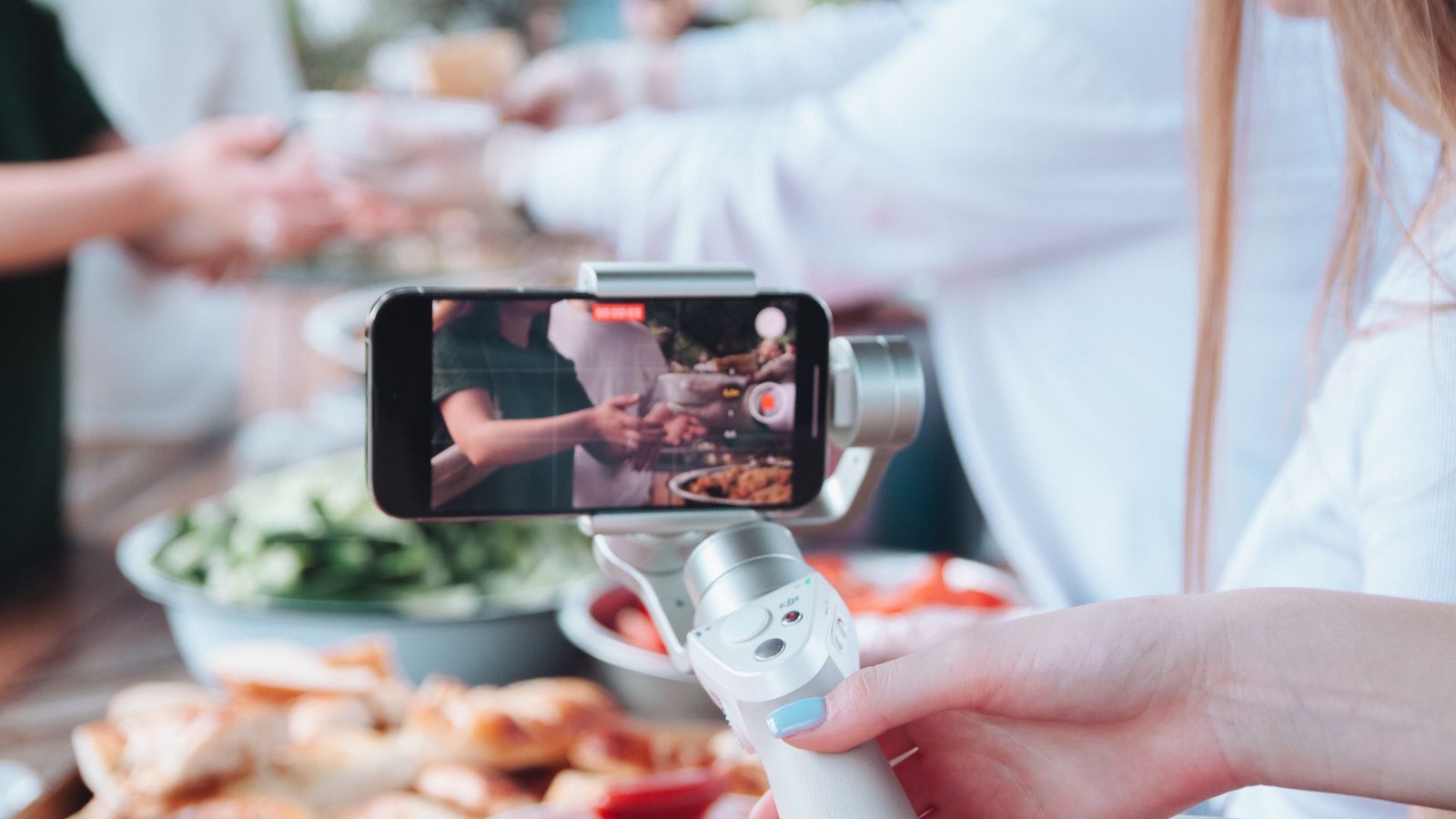
- Record the new feature being used, once, cleanly.
- A line saying where to find it in the app.
- A short closing line, with where to get the update.
Write it so it works without sound
Add text for each step. See how to add captions to an app demo video.
Where to post it
- Your website or blog
- Your social accounts. See how to announce an app update on social media
- A "What's new" screen inside the app, if your app can show media
- Email to existing users
Write good text to go with it
Pair the video with short notes that people can scan. See how to write app release notes people read.
Keep it honest
Only show features that are in the released version, not ones that are coming.
Where MobileStudio fits
MobileStudio lets you record the new feature on your phone, trim it and add a title and text in one place. It is on Google Play, and an iPhone version is on the way.
Quick FAQ
Do I need a video for every update?
No. Save it for changes users will notice.
How long should it be?
As short as the feature allows.
Can I reuse the video in the store listing?
Check the store's rules for preview media.