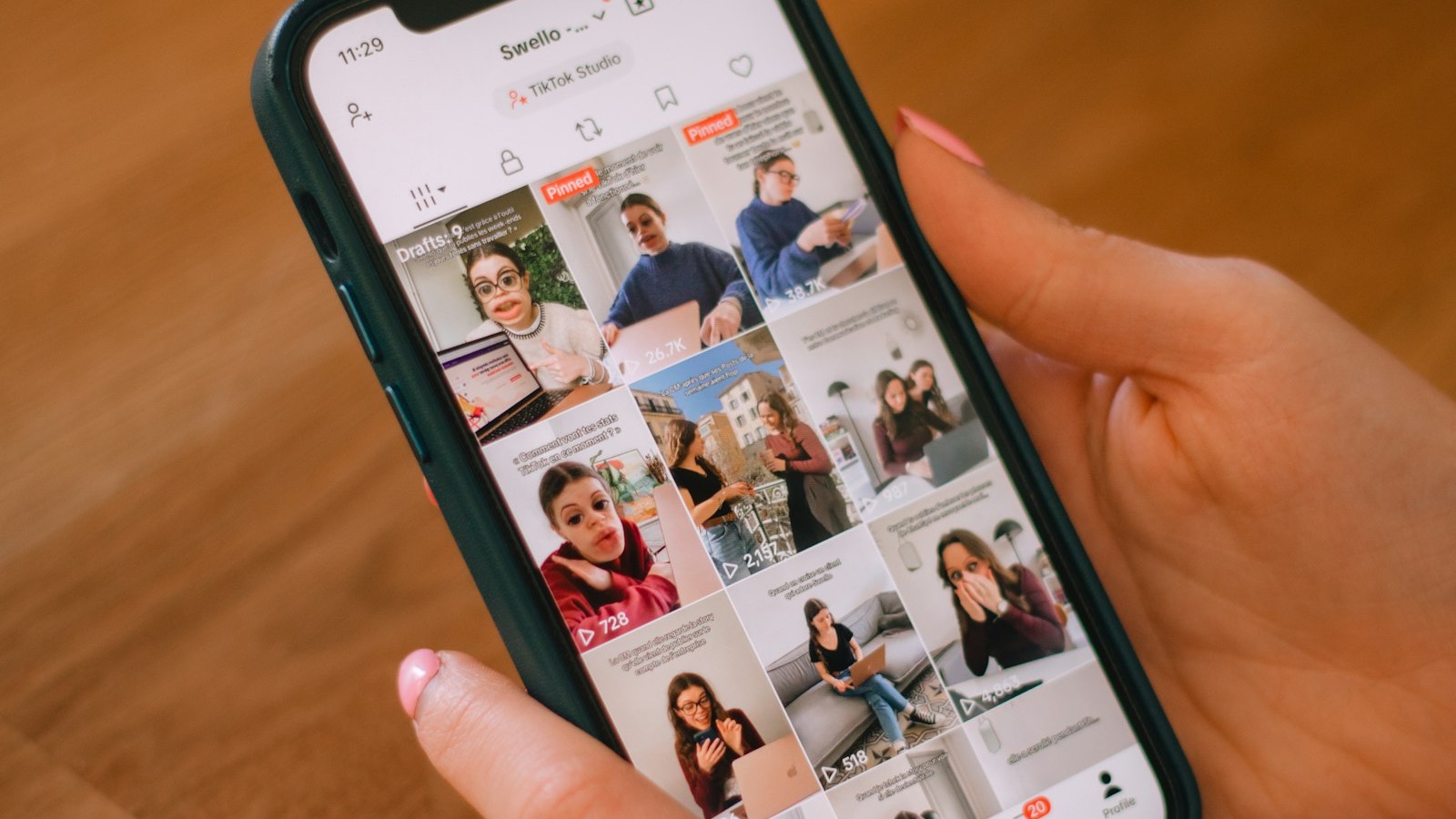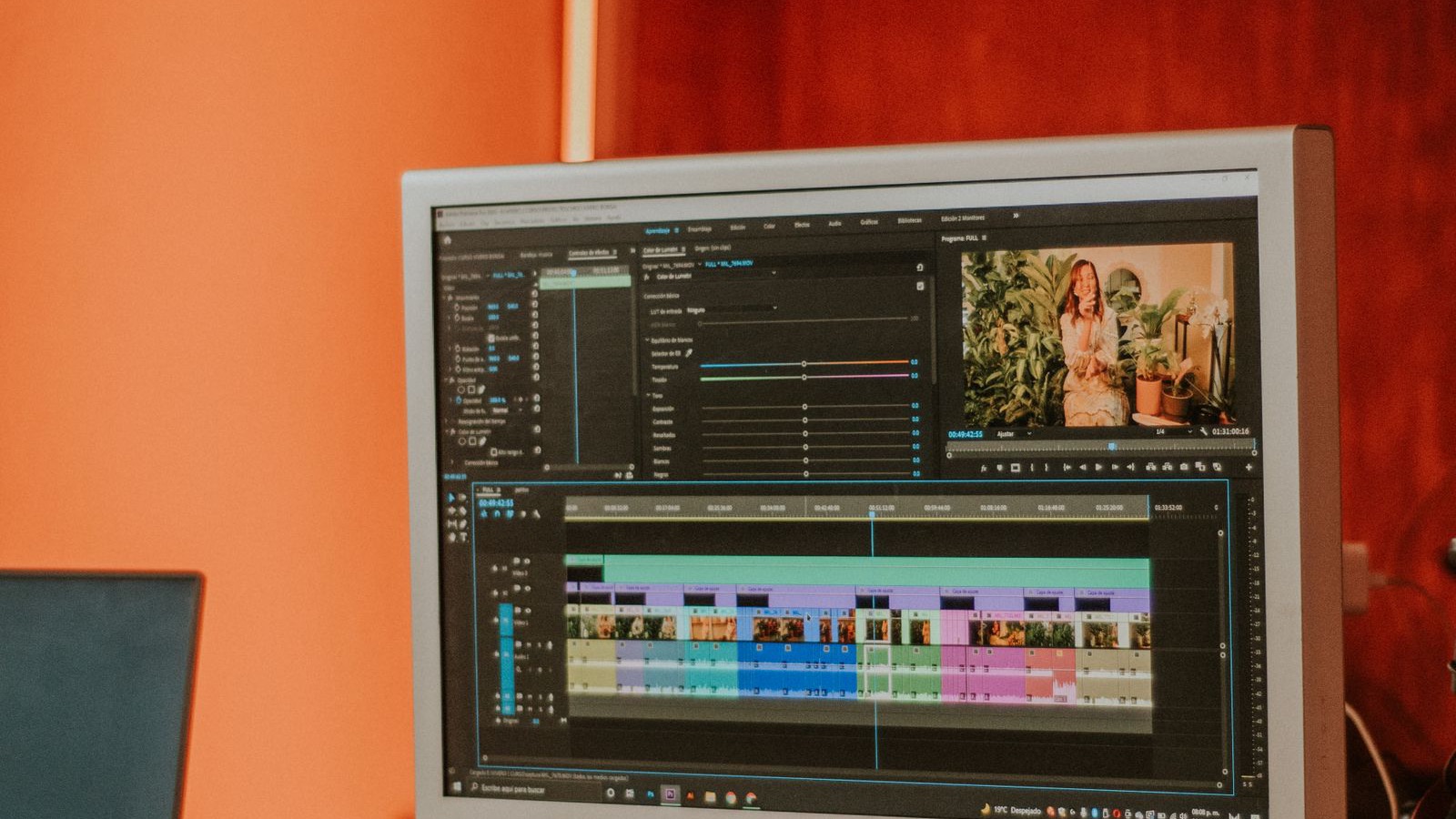
Many people scroll with the sound off, so an app demo that only works with audio loses them in the first seconds. Captions fix that, and they also help anyone who is deaf or hard of hearing.
Write captions as the script, not as a transcript
A transcript copies every spoken word. Captions for a demo should be shorter. Each line should say what the viewer is seeing or why it matters.
- Good: "Tap Add. Pick a photo."
- Weak: "So now what we are going to do is tap the add button here and then choose a photo from the gallery."
Aim for one idea per caption and a few words per line. If a line takes longer to read than it stays on screen, cut it.
Where to put them
- Keep captions away from the part of the screen where the action happens. The lower third usually works, but check that it does not cover a button the viewer needs to see.
- Keep the text large enough to read on a phone, with strong contrast against the background. A plain shape behind the text helps on busy screens.
- Stay inside the safe area so the app you post to does not cover your text with its own buttons.
Timing
Let each caption appear a moment before the action it describes, and leave it up long enough to read twice in your head. If you are unsure, play the video on mute and read it out loud. If you stumble, the caption is too long.
Two ways to make captions
- Burned-in captions are part of the video image. They look the same everywhere and work on every platform.
- Caption files let a platform show or hide captions. Check the platform's help pages for the file types it accepts.
For short social demos, burned-in text is usually simpler.
Check before you post
- Watch with sound off from start to finish. Does it still make sense?
- Fix typos. A wrong word on a launch video is easy to miss and hard to take back.
- Check the first caption is readable in the first second.
See also how to make a silent app demo video and the first 3 seconds of an app video.
Where MobileStudio fits
MobileStudio lets you add text over a phone screen recording, so you can caption each step of the demo. It is on Google Play, and an iPhone version is on the way.
Quick FAQ
Should captions match the voiceover word for word?
Not for a short demo. Short captions that name each step read better.
Do captions hurt reach?
Most people watch muted, so captions usually help viewers follow along.
What language should I use?
Use the language of the people you want to reach.