Most app launches fail quietly, not because the app is bad, but because nobody knew it existed on day one. This checklist works backwards from launch day, so the important things happen early.
6 weeks out: foundations
- One-sentence positioning. Who it's for and what it does, in under 15 words.
- Landing page with that sentence, a demo video placeholder, and an email signup.
- Waitlist live. Every week of signups before launch is a launch-day audience.
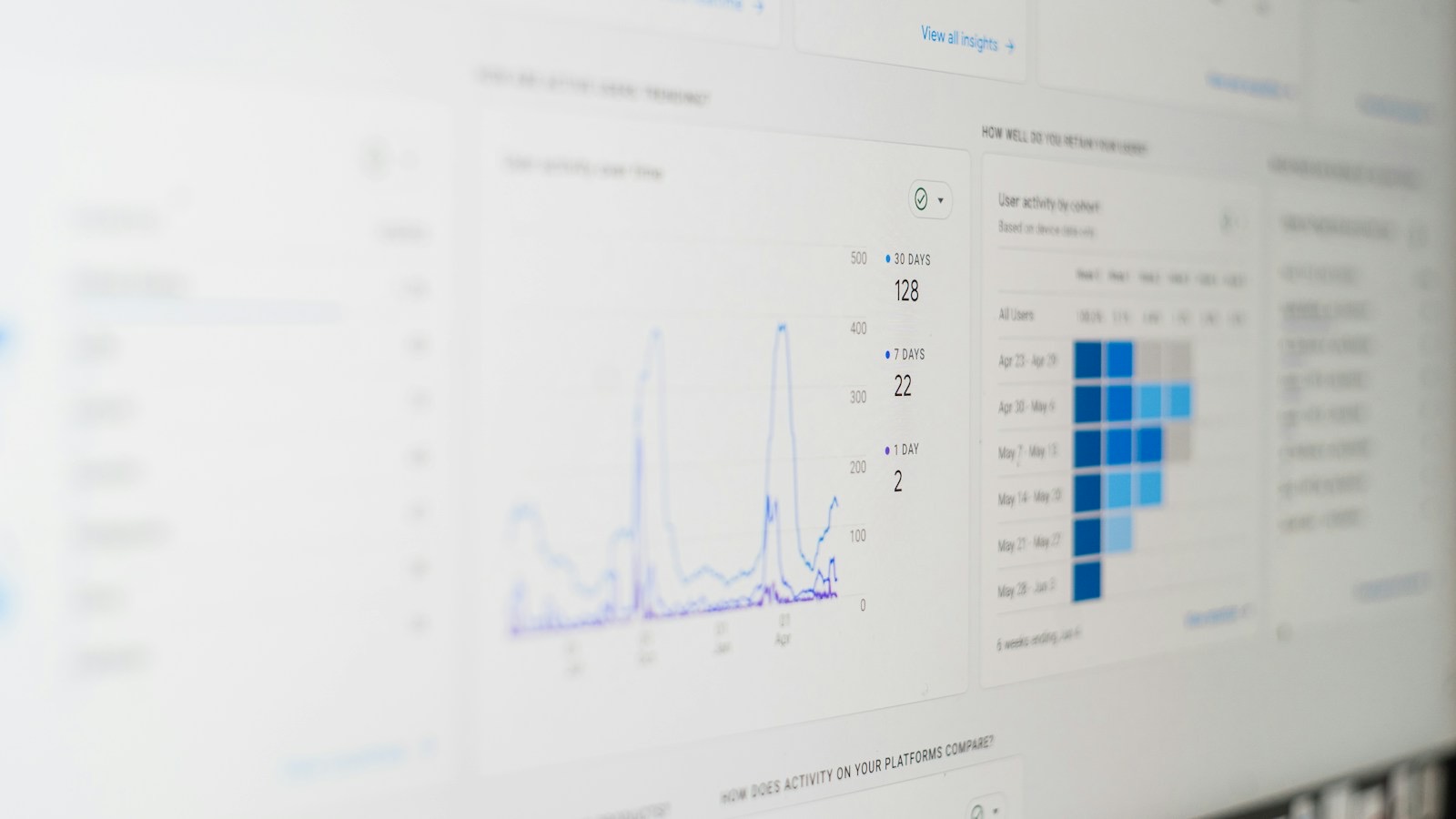
- Analytics on the landing page and in the app.
- Social accounts reserved: X, LinkedIn, YouTube, and Instagram or TikTok if relevant.
4 weeks out: assets
- App demo video, 30 to 60 seconds, showing one core job. How to make one.
- Store screenshots at the right sizes. Google Play sizes and App Store sizes.
- Store listing copy: title, short description, and full description with your main keywords.
- Short clips (10 to 20 seconds) cut from the demo for social.
2 weeks out: build anticipation
- Build in public: post progress, screenshots, and behind-the-scenes clips.
- Line up launch channels: Product Hunt, relevant subreddits (read their self-promotion rules), communities, and newsletters.
- Beta testers giving feedback, and a few ready to leave honest early reviews.
- Press and creator list: 10 to 20 people who cover your space, with a short, personal pitch.
Launch week
- Store listing live and checked on a real device.
- Email the waitlist first. They're your warmest audience.
- Post the demo video on every channel, natively uploaded (not just a link).
- Product Hunt (if you're using it), with a demo video and a founder comment ready.
- Reply to everything on launch day: comments, emails, reviews.
After launch: measure
- Store conversion rate: listing visitors to installs. Weak? Improve the first two screenshots and the preview video.
- Day 1 and day 7 retention: are people coming back?
- Where installs came from: double down on the channel that worked.
- Reviews: respond to every one, especially the critical ones.
The asset that does the most work
If you only make one thing well, make the demo video. It's used on your landing page, in the store listing, in every social post, and on Product Hunt. A clear 30-second video explains your app faster than any amount of copy.
Where MobileStudio fits
MobileStudio helps with exactly that asset: record your app and turn it into a polished demo on your phone. Get it on Google Play.
Quick FAQ
How far ahead should I plan an app launch?
About 6 weeks gives you time to build a waitlist and make proper assets.
What's the most important launch asset?
A short, clear demo video. It's reused everywhere.