How to Speed Up a Screen Recording Without Making It Feel Rushed
Speeding up a screen recording is easy. Speeding up the right three seconds and leaving the rest alone is the part that actually takes judgment.
Every screen recording has dead weight in it somewhere — a search field being typed into letter by letter, a list being scrolled through to find one item, a loading spinner that takes longer than anyone wants to watch. Speeding it up fixes that. Speeding up the wrong part, or speeding up everything evenly, creates a new problem instead of solving the old one.
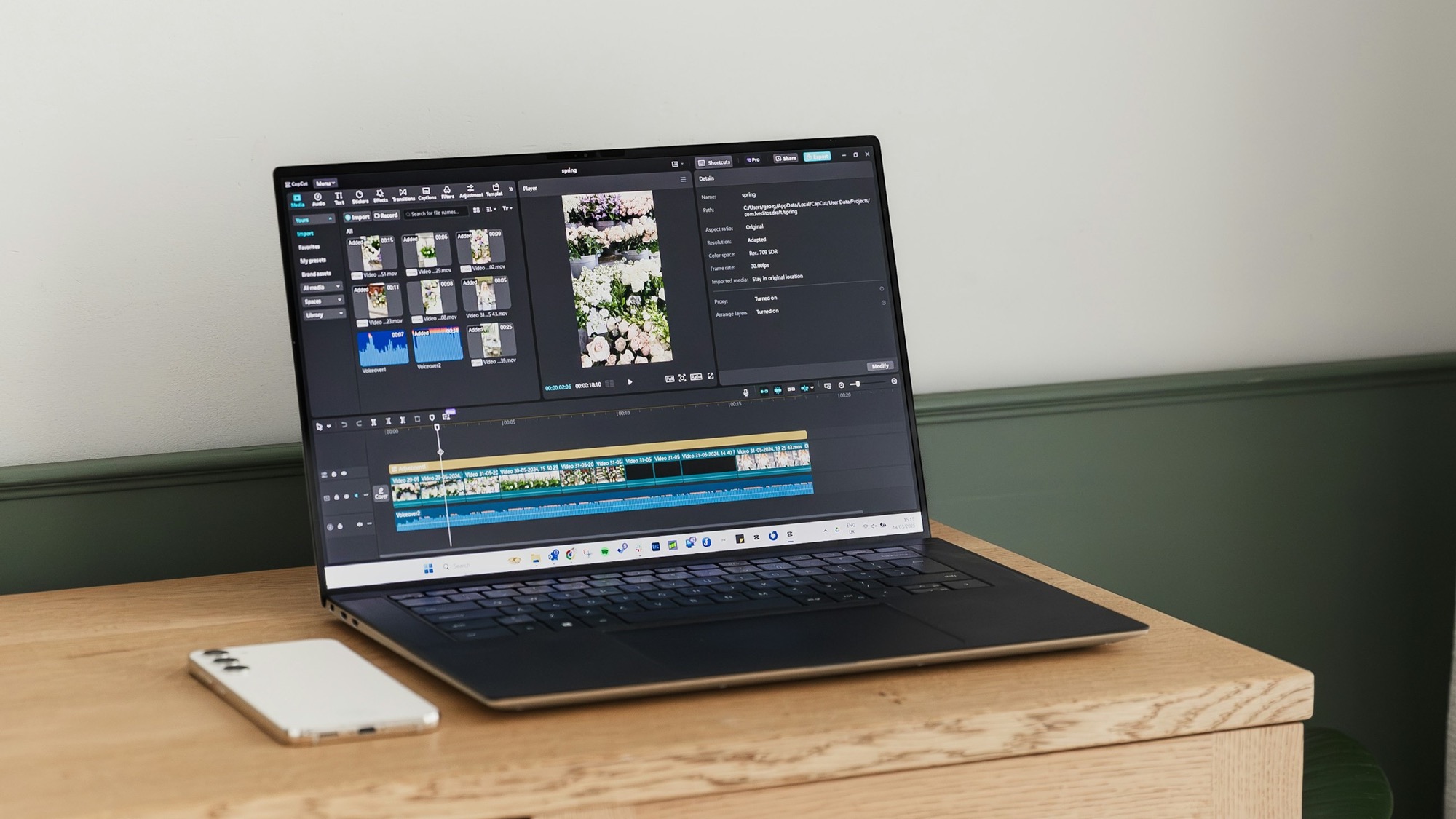
The tool for this is simple: a speed control and a trim tool, used together. The judgment is in deciding which few seconds get touched and which don't.
Why even speed looks wrong
Taking a whole clip and nudging it from 1x to 1.25x across the board is the most common speed mistake in app demo videos. It makes the boring parts slightly less boring, but it also speeds through the one moment someone actually needed time to register — the result appearing, the export completing, the before-and-after becoming visible.
Uniform speed treats every second of footage as equally important. It isn't. A screen recording is made of setup and payoff, and they don't deserve the same pace. Speed changes work best applied selectively, to specific sections, not as a global multiplier on the whole timeline.
Find the three seconds that don't need to exist at normal speed
Before touching speed at all, scrub through the raw recording and mark the sections where nothing new is being communicated: typing a query that isn't the point of the demo, scrolling to locate a setting, waiting for a screen transition. These are candidates for speeding up, not cutting entirely — the viewer still needs to see the action happen, just not at the pace it took to record it.
A rough rule that holds up across most app demo clips: if a section is longer than two seconds and nothing changes on screen during it, it's a speed-up candidate. If something does change — a chart populating, a toggle flipping a whole layout — leave it at normal speed or slower, because that's the part worth watching closely.
Trim the edges, then speed up what's left
Speed and trim solve different problems and work better in sequence than alone. Trim removes dead time entirely — the three seconds before you start recording where you're still getting the app into position, the pause after a tap before anything visibly responds. Speed compresses time that still needs to be shown, just not at full length.
Doing trim first means you're only speeding up footage that's already earned its place in the edit. Speeding up everything and trimming afterward tends to leave in rushed-looking footage that should have been cut instead of sped up.
Slow down is still a speed decision
Most of the advice around speed in a screen recording is about going faster, but the inverse matters just as much: the one moment in a demo meant to land — a chart redrawing, a before-and-after swap, an export finishing — often benefits from staying at exactly normal speed, or even holding an extra beat, while everything around it moves faster.
This is what makes a sped-up clip feel intentional rather than rushed. A viewer who's just watched three seconds of setup compressed into one notices when the pace suddenly settles down for the part that matters. That contrast is doing real work, not just filling time.
Where MobileStudio fits
MobileStudio's editor includes a speed control alongside trim and split, so a raw recording can have its dead sections tightened and sped through without needing a separate desktop timeline app. The workflow above — trim first, then decide what to speed up and what to leave alone — is exactly how it's meant to be used, not a workaround for a missing feature.
MobileStudio is currently in early access. Join the waitlist to try it as it opens up, or see real edited clips made with it first.
Speed is one of the smallest edits you can make to a screen recording, and also one of the easiest to get backwards. Fast where nothing's happening, normal or slow where something finally does — that's the whole rule.