Why demos are a chore for developers
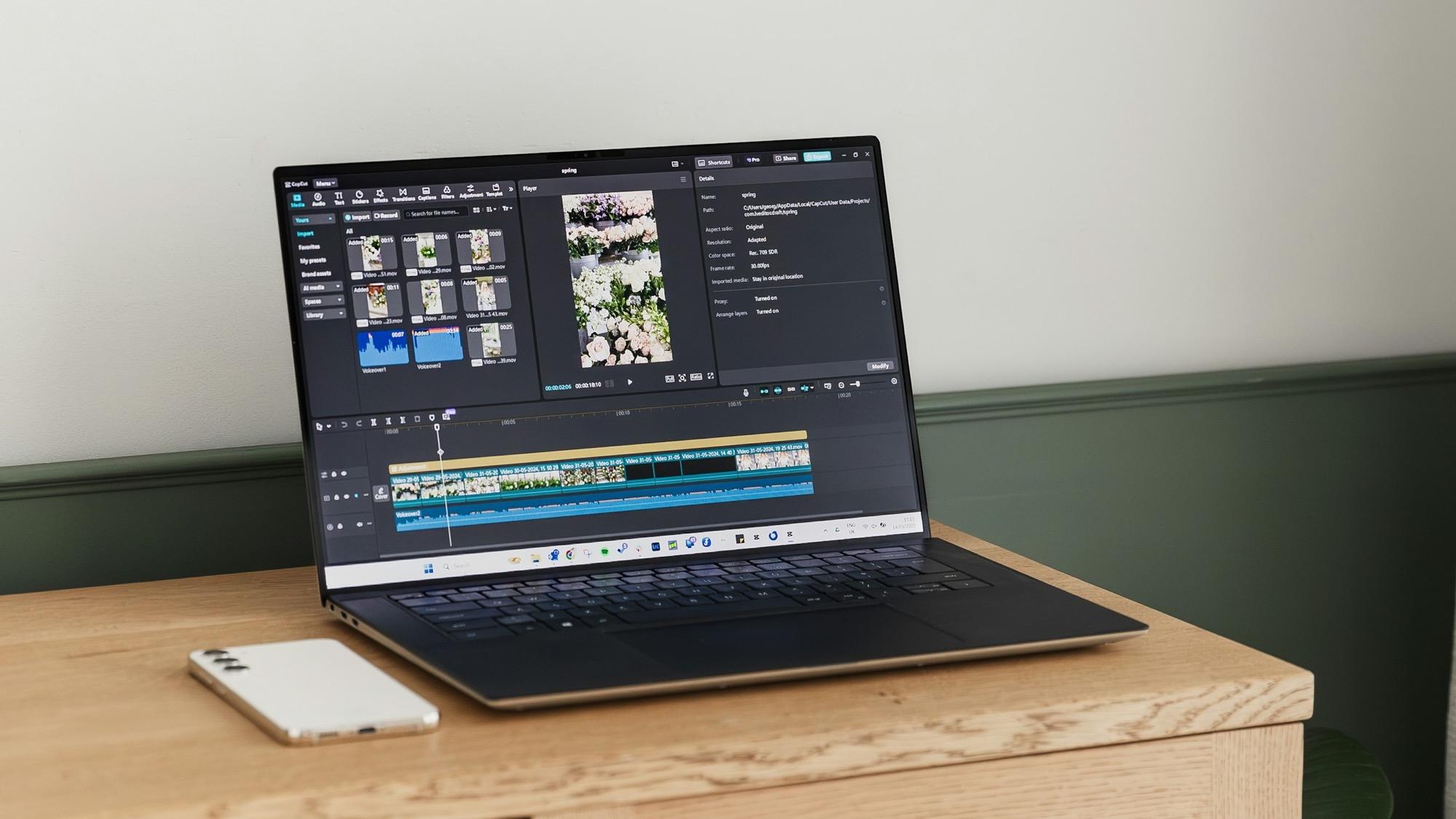
Video editing is a different job
Keyframes, export settings, and timelines take time to learn, and it's time you'd rather spend shipping.
Raw captures don't explain anything
A device or emulator recording shows everything at once. Stakeholders and users can't tell which part is new.
Demos are needed constantly
Release updates, internal reviews, client check-ins, and store listings all ask for a short, clear video.
Your recording, presented the way a product team would.
- STEP 1
Capture the flow
Record on a device or emulator with clean demo data and a tidy status bar.
- STEP 2
Trim, split, and zoom
Cut the setup, split out each step, and zoom onto the exact change.
- STEP 3
Export and share
Landscape for review decks and release posts, portrait for store listings and social.
Watch an example
The edit, in MobileStudio
Real clips from the app. This is what you do between the raw recording and the finished video.
Everything in the edit, on your phone
Import any recording
Bring in captures from a device or an emulator.
Trim and split
Turn one long capture into short, focused clips.
Zoom Timeline
Show exactly which button, screen, or state changed.
Aspect ratios
The right shape for stores, decks, and social posts.
Recording tips developers swear by
Most of a good demo happens before you hit record.
Use a clean status bar
On Android, System UI demo mode in Developer options shows a fixed clock and full battery and signal.
Seed realistic demo data
Real-looking names and content, never 'test test 123'. It changes how the product is perceived.
Turn on Show taps
Developer options can show touches, so viewers can follow each tap.
Record flows, not screens
Capture each task start to finish, then trim. It's easier than stitching screens together.
Videos that matter most to you
Questions
Can I use emulator recordings?
Yes. Import screen recordings from a device or an emulator, then frame, zoom, and export them.
How do I get a clean status bar in Android recordings?
Enable System UI demo mode in Developer options to show a fixed time and full battery and signal while recording.
Is MobileStudio good for store preview videos?
Yes. Trim to length, zoom on key moments, and export the shape each store needs.