30KLikes
159KImpressions
app 2MobileStudio

Create polished product videos without the usual editing work.
Choose your platform and be among the first to create polished product demos in seconds.
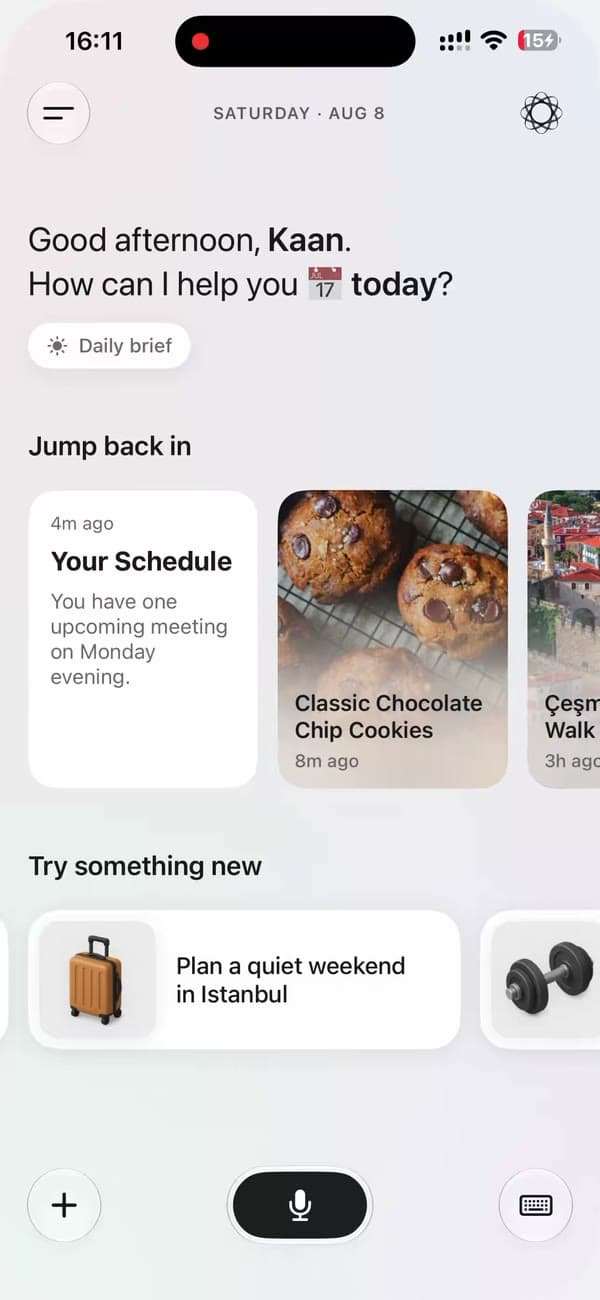 Ready for the world.
Give the thing you’ve been building a first impression that does it justice.
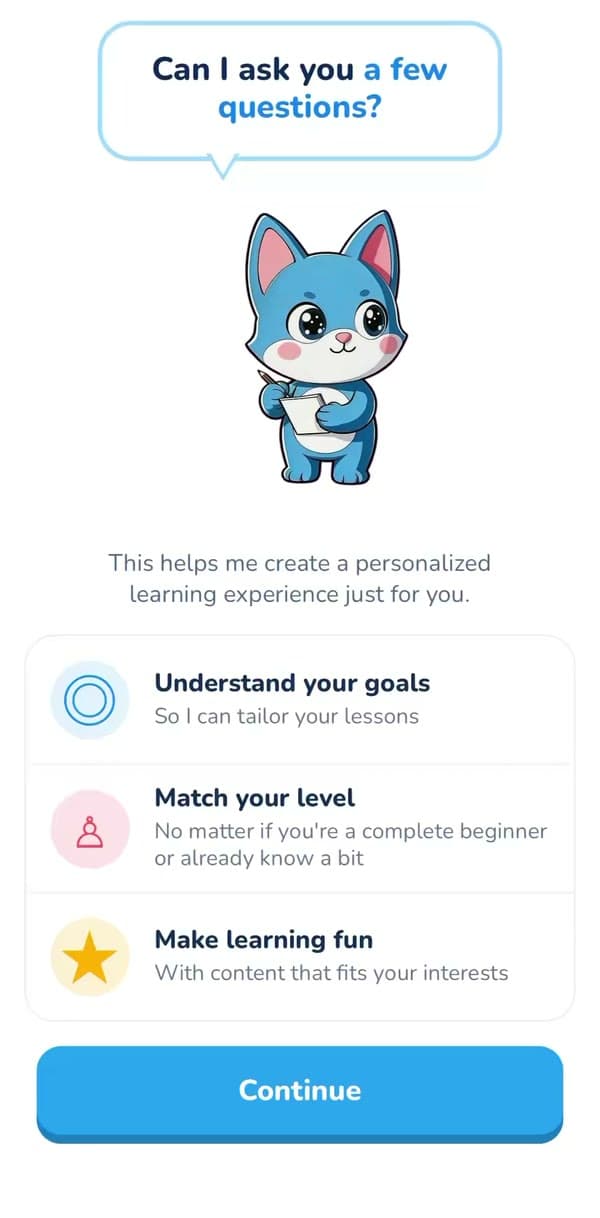 Small detail. Big reveal.
Make the new interaction the star of the announcement.
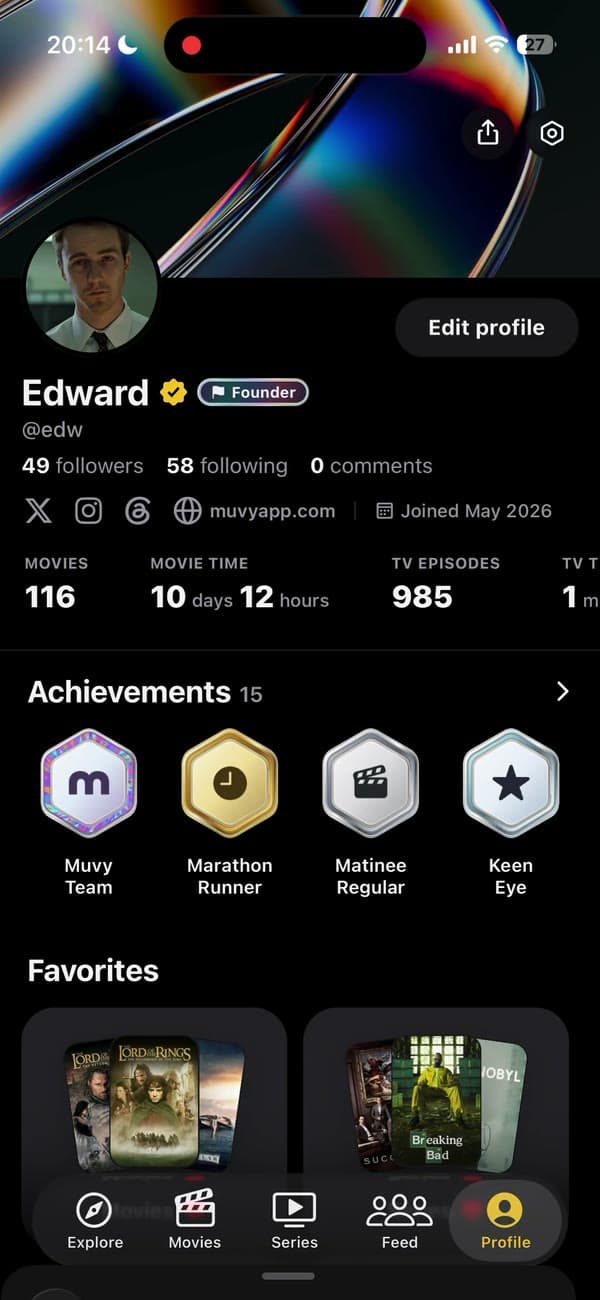 New version. In motion.
Show what changed, instead of asking people to read a changelog.
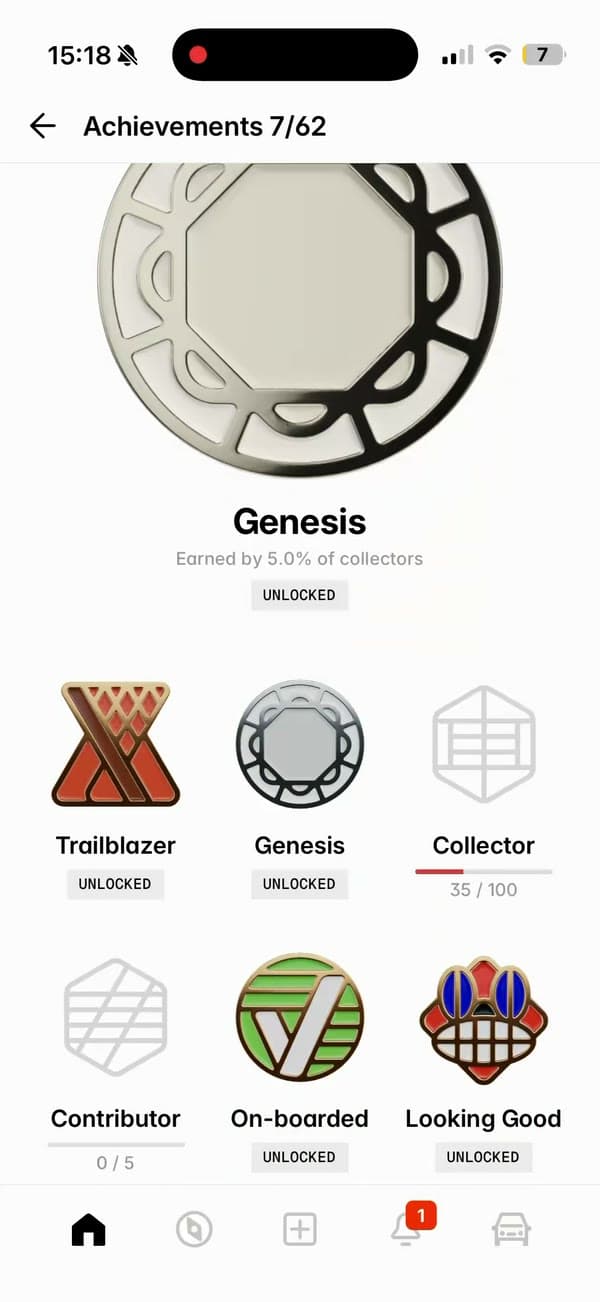 Built to be shared.
Turn a quick screen recording into something worth stopping for.
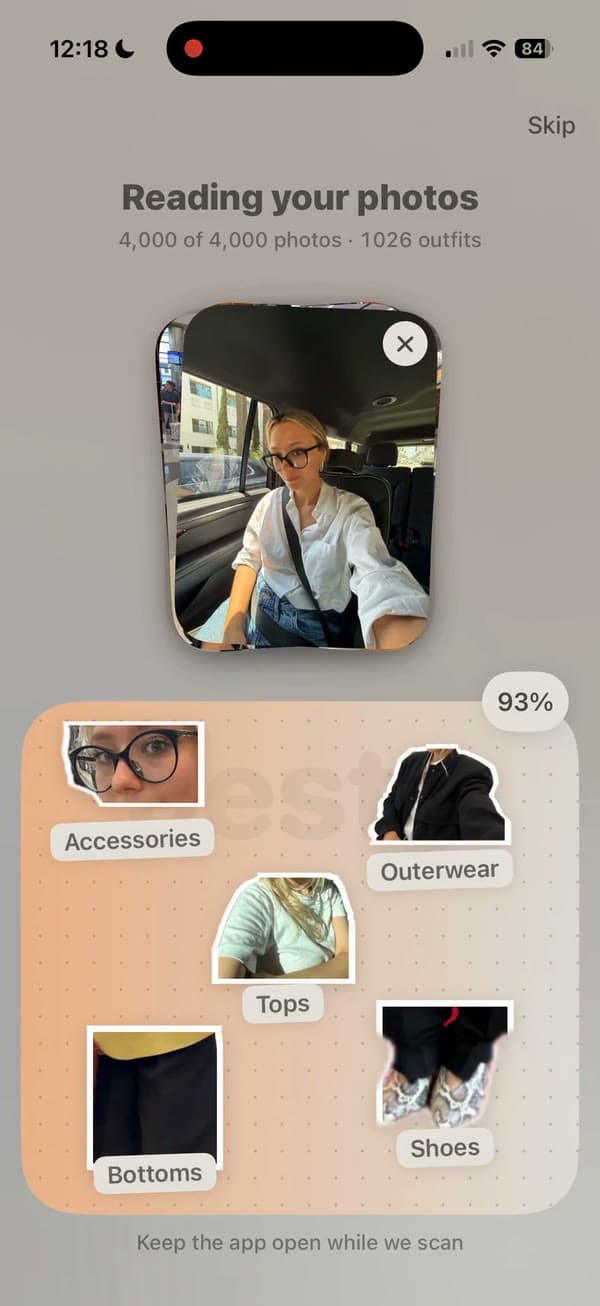 Let the app speak.
Prepare clear app footage for your listing’s video requirements.
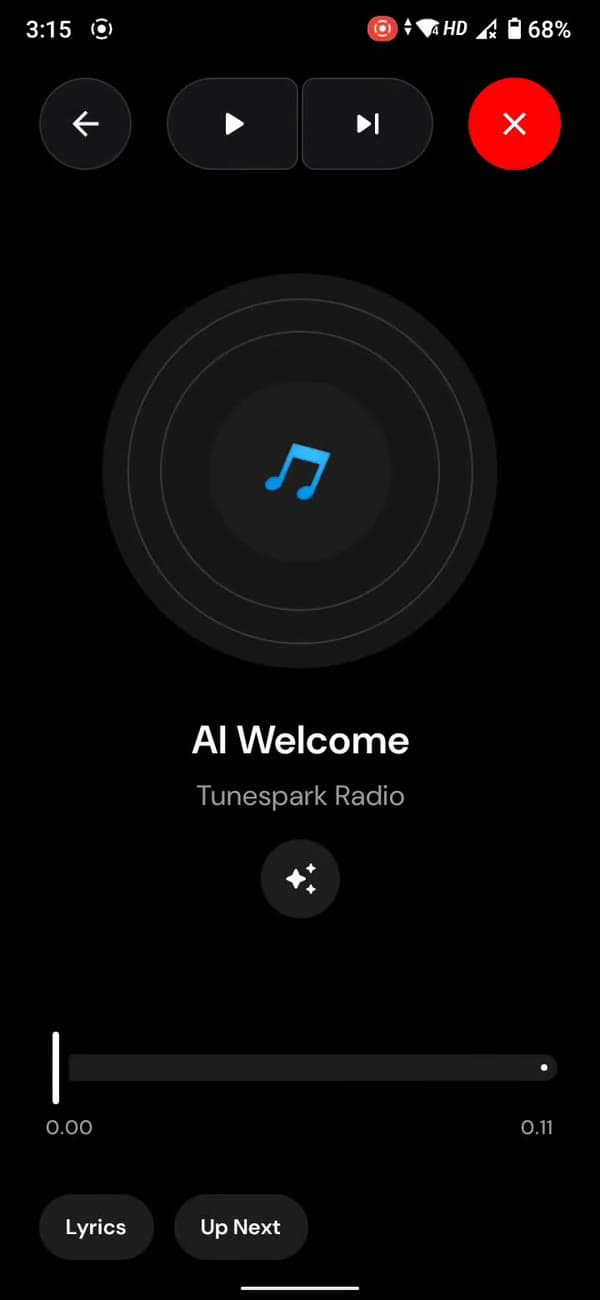 Show. Don’t explain.
Walk someone through the one thing they need to understand.
Yes. MobileStudio is being built for Android, with screen recording and editing in the app. Join the Android waitlist for access updates.
iOS is planned, but there is no confirmed release date. Choose iOS in the waitlist form to hear when it is ready.
The Android editor includes a 4K export option. Available results depend on your device, source recording and export settings.
Yes. The Android editor supports choosing an image from your device, alongside colors, gradients and bundled backgrounds.
Yes. You can frame your recording with a phone mockup and adjust padding and shadows.
Yes. Recording, editing, styling and exporting happen on your phone.
Yes. You can import an existing video into a project and edit it in MobileStudio.
Lifetime access is intended as a one-time purchase that continues after launch. The exact platform coverage and offer terms will be shown before the early-access checkout opens.
Share your product details with us. We’ll review it for a future MobileStudio showcase.
Record it. Make it look good. Ship it.
Join the MobileStudio waitlist On your phone. In your own style.